
Malignment
Published:
Unlocking resolution and aspect ratio changing in Mystery of the Malign.
Description
I love the concept and art style of this game. The only issue that I found in its code? You’re locked to not just 16:9, but 1920x1080 exclusively. Thus, I’ve written Malignment; the world’s first mod for Mystery of the Malign. Luckily, MotM is a Unity game, and even easier for me, a Mono game at that.
Downloads and Source
Malignment’s latest release can be downloaded here.
It’s source code, licensed under MIT, can be downloaded or forked here.
Showcase
Images
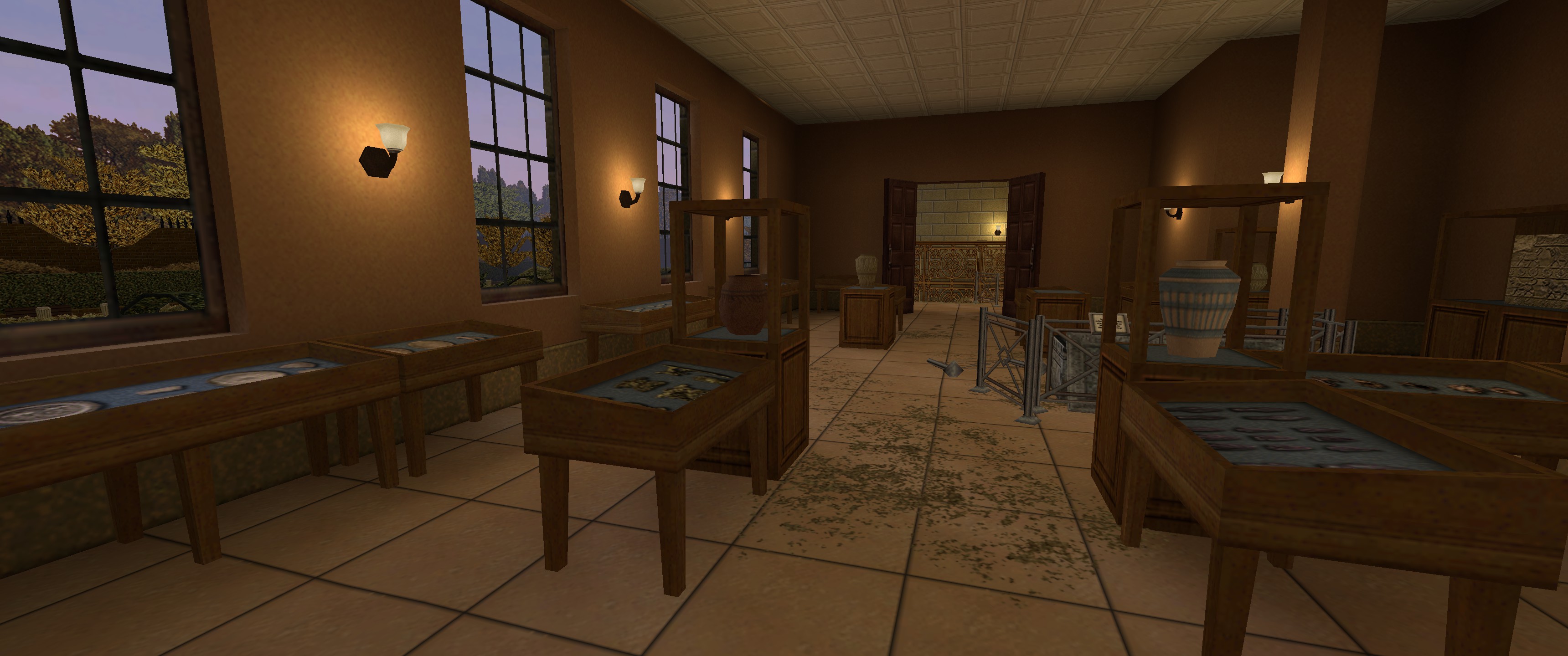
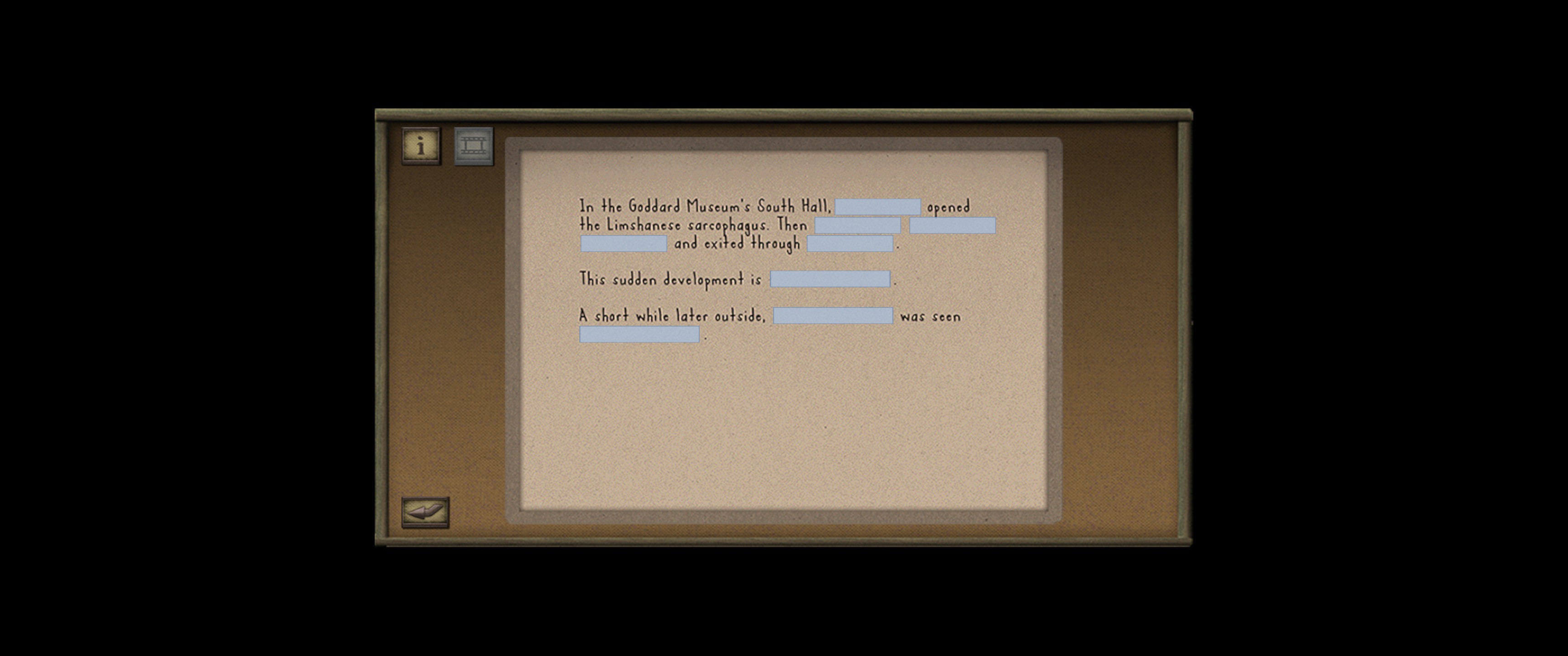
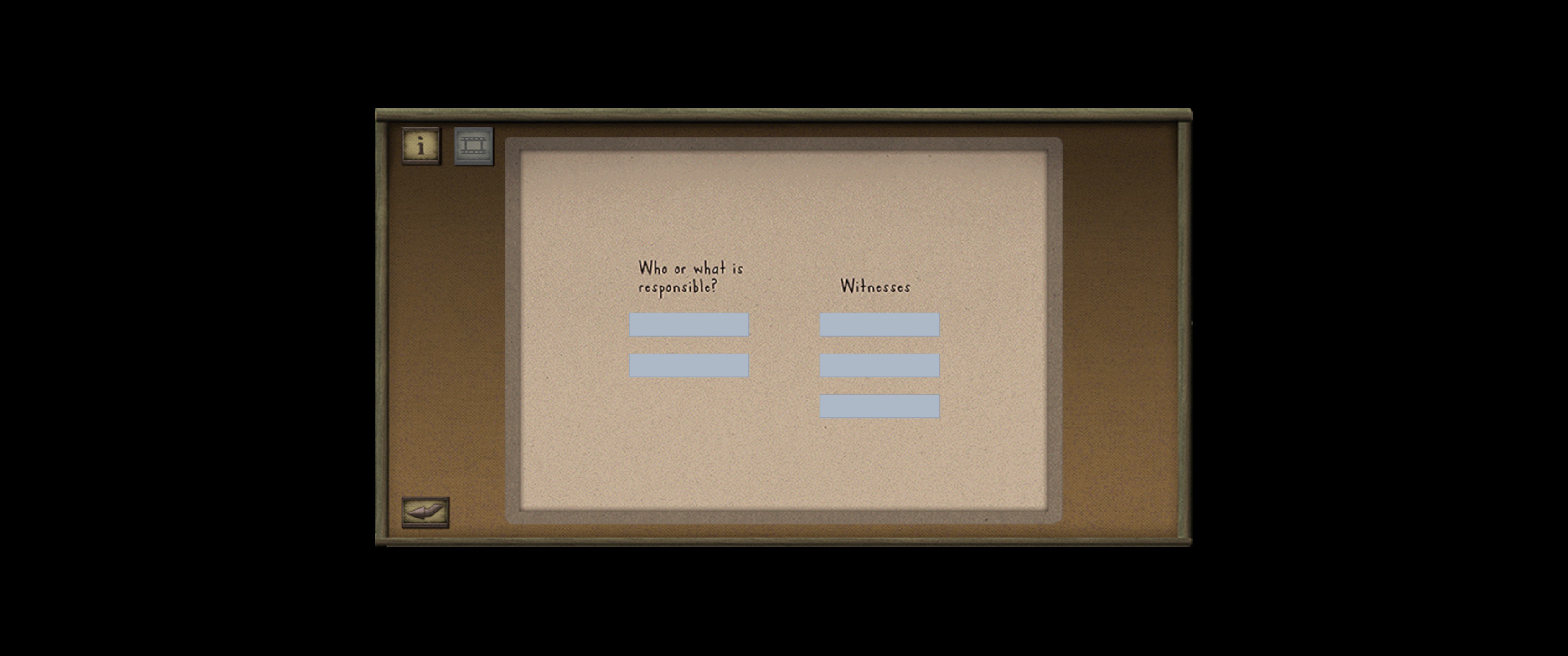
Backend
There were two methods that had to be patched, and both were in the UIController class.
UIController.StartGameAfterLoading()
The simplest of the two was the patch for UIController.StartGameAfterLoading(). All this patch does is sets the resolution of the screen after the game loads.
UIController.Start()
The more complicated of the two was patching UIController.Start(). This private method is where I needed to find all the UI elements that needed to be scaled, then scale them based on the size of the screen. After grabbing the reference resolution, the plugin checks which instance of the UIController it’s running. Many “branches” defer to one custom function, ResizeHighres. This function takes an Image input, change the position to [0, 0, 1] and set the size of the image to the user’s screen size. That’s it, that’s all it needed. Could this have been cleaner? Absolutely, but at the time, I just wanted to throw together an ugly solution that worked as opposed to a polished solution that would have taken me like, 30 more minutes. Why? So I could play the game. I think scaling was a make-or-break thing, so I made it instead of letting it break the game for me.